> For the complete documentation index, see [llms.txt](https://docs.tryterra.co/llms.txt). Markdown versions of documentation pages are available by appending `.md` to page URLs; this page is available as [Markdown](https://docs.tryterra.co/unified-api/user-authentication/customising-authentication-redirects.md).

# Customising authentication redirects

## Overview

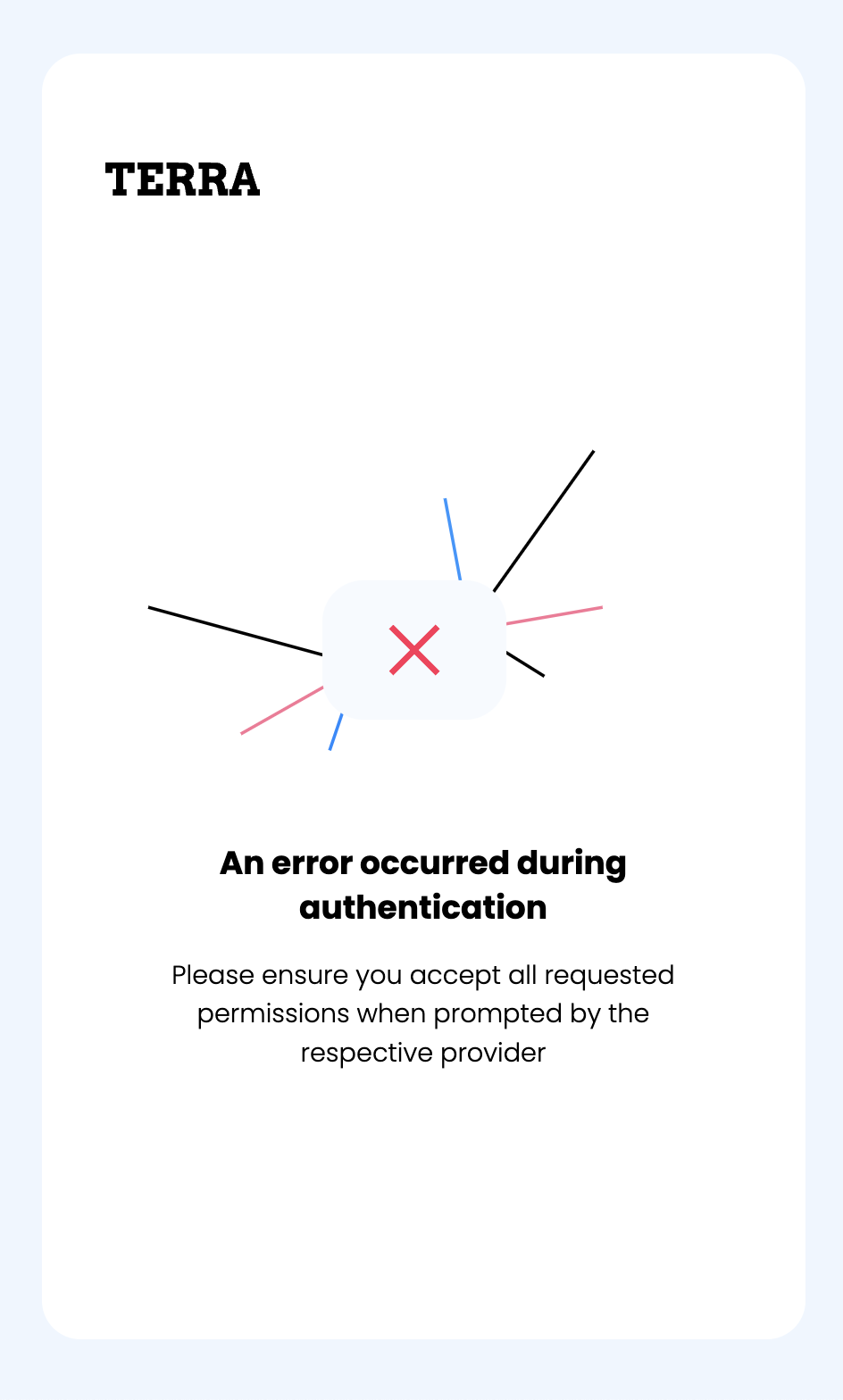
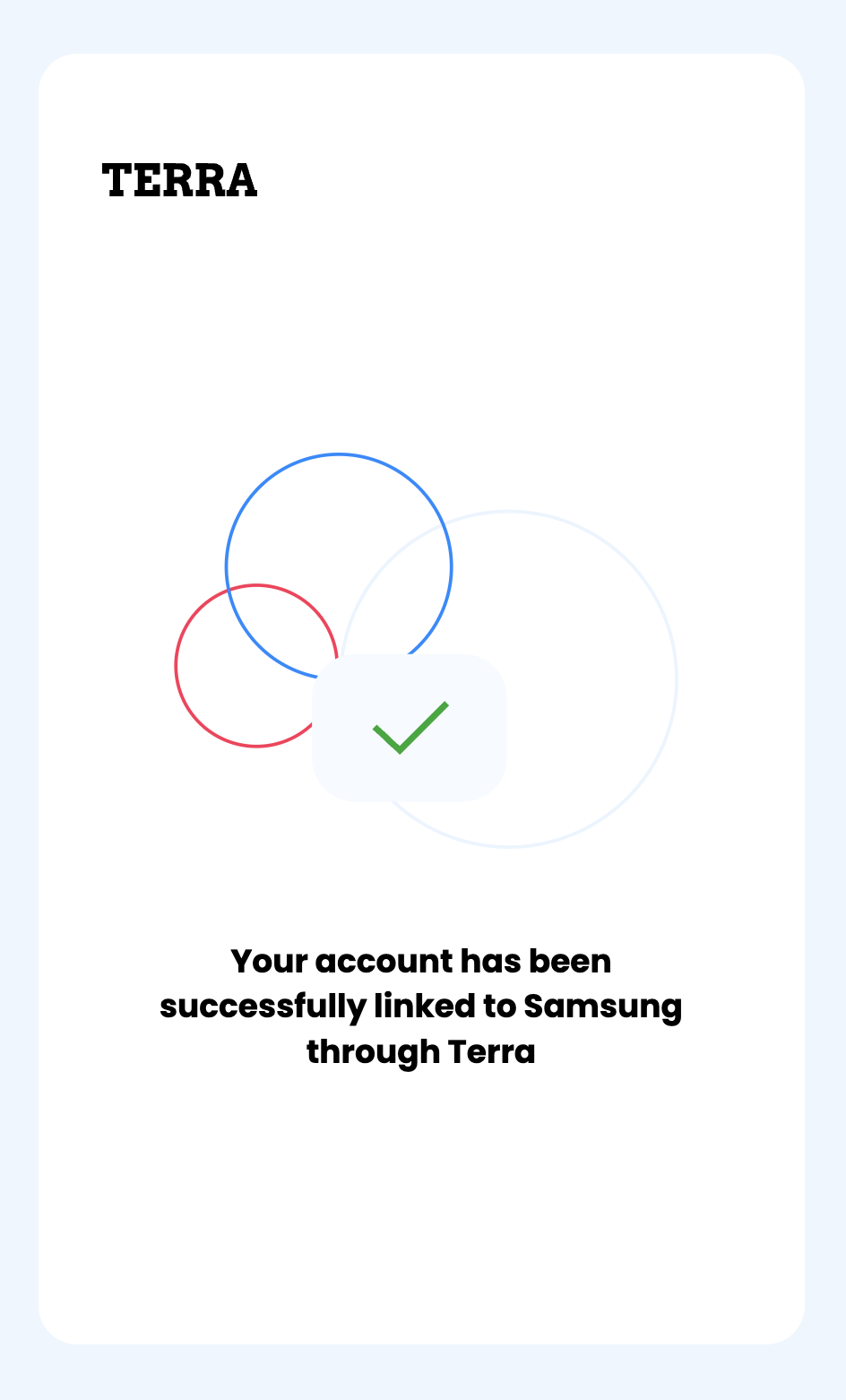
After the end-user completes the authentication flow, they will be redirected to a **default** **final** **url** that's either a **success** or **failure** **screen** before they go back to your app.

These urls can be customized when you're calling one of the `/auth` endpoints.

***

## Authentication Flow Final URL

When the user authenticates a health account (e.g. Oura), before they go back to your app, they see a final URL (screen) of the authentication flow is either a <mark style="color:green;">success</mark> or <mark style="color:red;">failure</mark> screen.

<div align="center"><figure><img src="/files/z5I15wYPokjERL6HTMl7" alt="" width="188"><figcaption><p>Default <strong>Success</strong> Redirect URL</p></figcaption></figure> <figure><img src="/files/x41QV3qxwE6lFafx9jvL" alt="" width="188"><figcaption><p>Default <strong>Failure</strong> Redirect URL</p></figcaption></figure></div>

The final url will append the following parameters:

* <mark style="color:orange;">`user_id`</mark> (not Null)
* `resource` (not Null)
* `reference_id` (can be Null - if you did not pass it in the auth endpoint).

<pre class="language-url" data-title="Success Auth URL (Example)"><code class="lang-url"><strong>https://widget.tryterra.co/session/demo/success?user_id=bc205b50-dabe-4680-9d35-38517b915dc1&#x26;resource=GOOGLE&#x26;reference_id=null 
</strong></code></pre>

***

## **How to Customize the Redirect URLs?**

Terra provides these urls by default, and they can also be customized in the `/auth` endpoints. They can be specified in the **body** of the authentication request as:

* <mark style="color:green;">`auth_success_redirect_url`</mark>
* <mark style="color:red;">`auth_failure_redirect_url`</mark>

***

## **Different ways to Customize the Auth Result URL**

You can redirect to a:

* **Web Page:** A specific page on your web application, including any useful query parameters.
  * Example: `https://somereallycoolcompany.com?terra_auth_success=true`
* **Deep Link:** A **deep** **link** into your mobile application.
  * Example: `reallycoolapp://success`

{% hint style="warning" %}

### Mobile-based integrations

* When using the widget, when the user selects one of the [Mobile SDK-based integrations](/unified-api/mobile-only-sources.md) (e.g. Apple Health, Samsung Health, Health Connect), they will by default be redirected to the <mark style="color:green;">`auth_success_redirect_url`</mark> with a **null** <mark style="color:orange;">`user_id`</mark> <mark style="color:orange;">.</mark>
* This Redirect URL can be used to redirect your end-user to your mobile app instead so that they complete the connection flow to the Mobile-only integrations using **Deep Links.**
  {% endhint %}