> For the complete documentation index, see [llms.txt](https://docs.tryterra.co/llms.txt). Markdown versions of documentation pages are available by appending `.md` to page URLs; this page is available as [Markdown](https://docs.tryterra.co/unified-api/integration-setup/customising-data-types.md).
# Customising data types
Customise the types of data events you wish to receive from your users (activity, sleep, etc).
## Overview
When a [User](https://docs.tryterra.co/reference/health-and-fitness-api/core-concepts#user) authenticates via Terra, you'll start receiving data like activity, sleep, and daily metrics. You can customize settings to receive only the data you need.
You can configure this via [your Terra Dashboard](https://dashboard.tryterra.co/dashboard):
1. Across all data sources
2. For selected data sources only
***
## **1.** Across all data sources
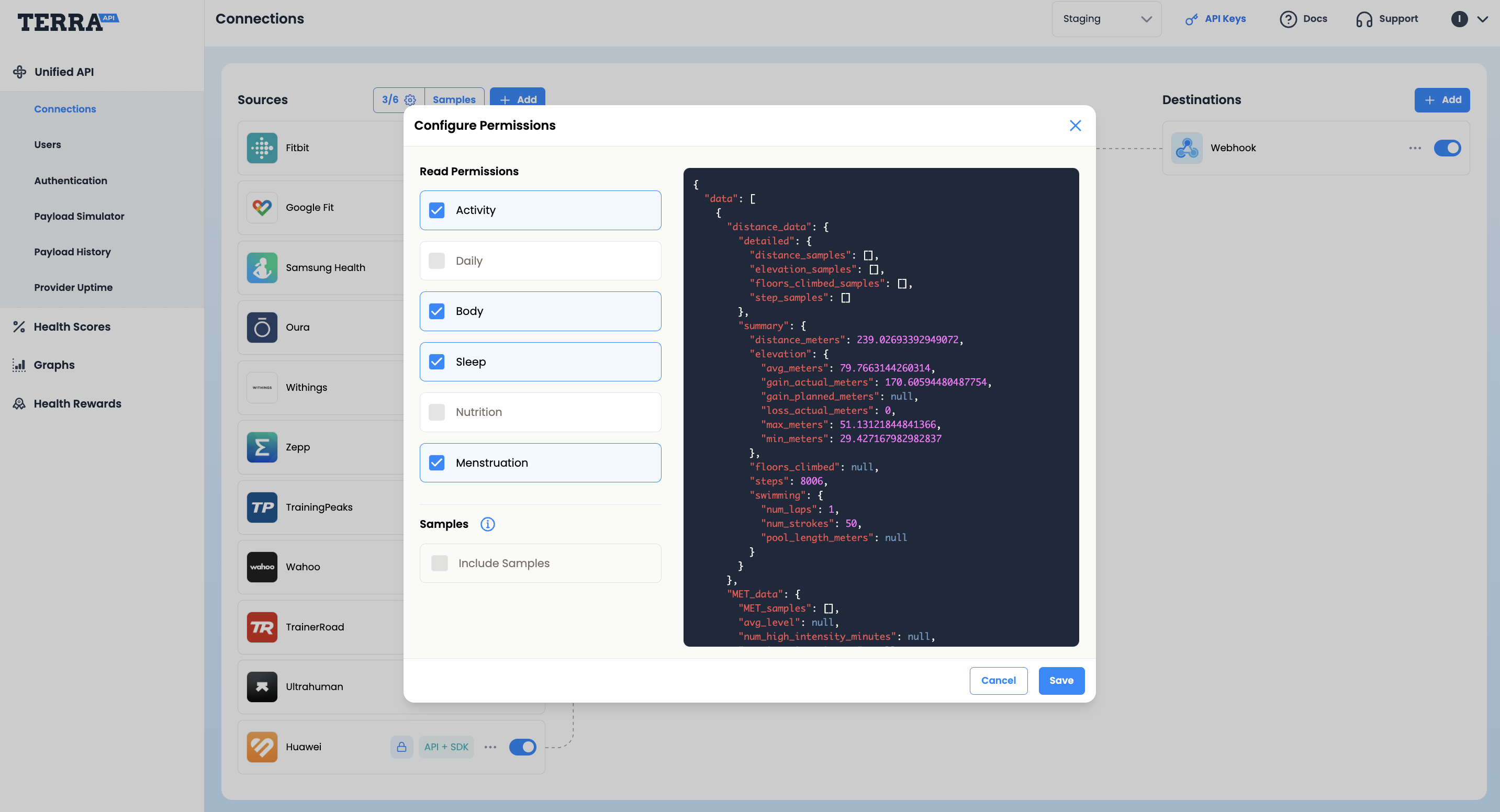
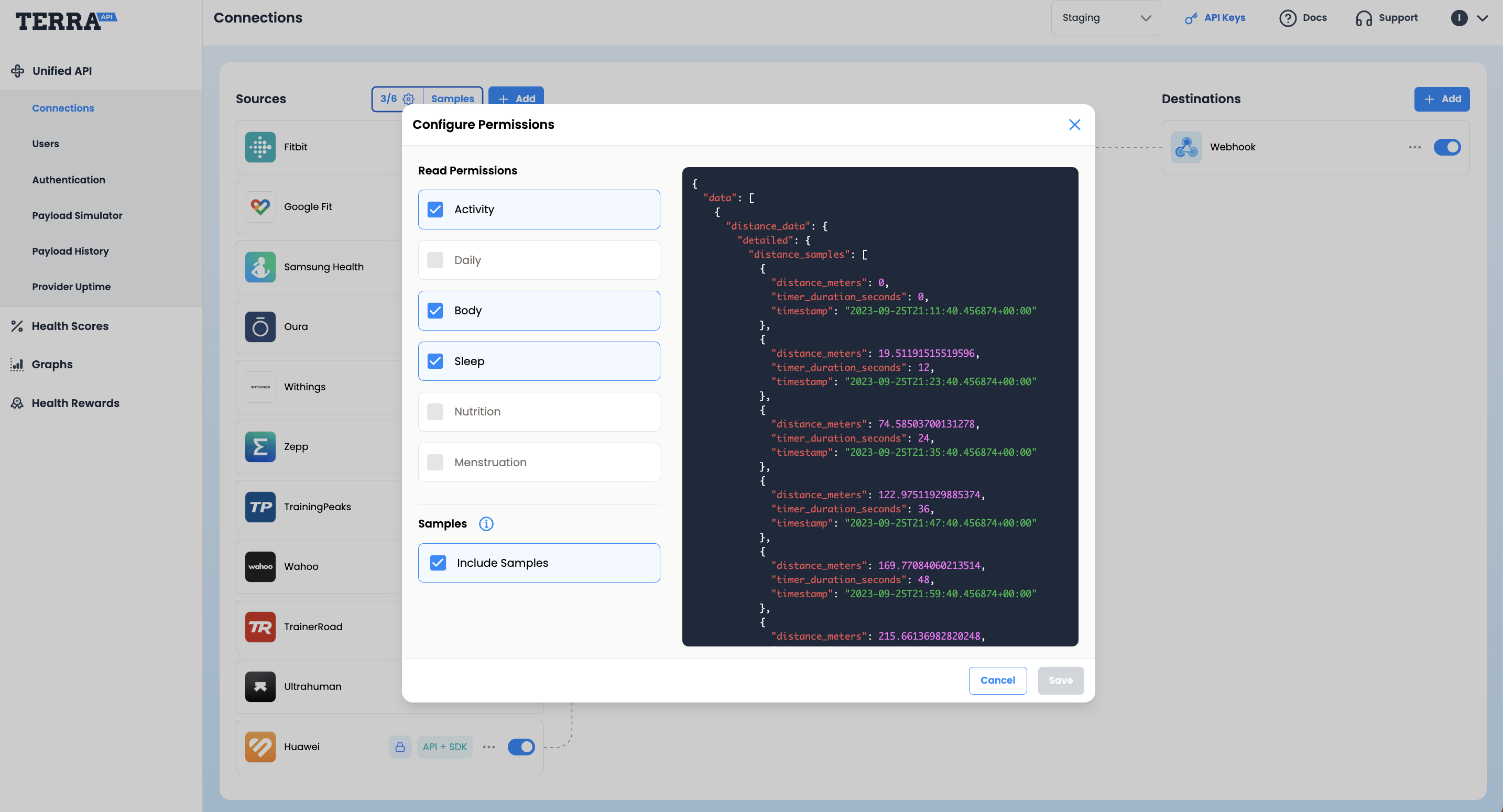
Choose the Data Types you wish to receive to your **Destination**. [Open the data types settings in your Terra Dashboard](https://dashboard.tryterra.co/dashboard/connections?open=edit_scopes) to change them.
1. **🏃🏽♀️ Activity**
2. **👷🏼 Daily**
3. **🩺 Body**
4. **💤 Sleep**
5. **🍱 Nutrition**
6. 📆 **Menstruation**
Including **Samples** will provide granular data (a list of readings at specific timestamps).
Without "Samples"
With "Samples"
## **2.** For selected data sources only
Some data sources allow you to restrict the data scopes that you want to request from your end-user.
You can configure scopes for each [Data Source](https://docs.tryterra.co/reference/health-and-fitness-api/core-concepts#source-provider-integration) (integration) as follows:
1. Go to your Terra Dashboard account > Connections
2. Select the Data Source you wish to edit
3. Choose the "Edit" option
4. Click on the "Edit Permissions" tab and choose your scopes.
{% @supademo/embed url="" demoId="clzviqwur09rmo0qpurjz6y3l" %}